> ## Documentation Index
> Fetch the complete documentation index at: https://danswer-mintlify-deep-research-1773355783.mintlify.site/llms.txt
> Use this file to discover all available pages before exploring further.
# Workspace Settings
> Configure global settings for your Onyx workspace
## Overview
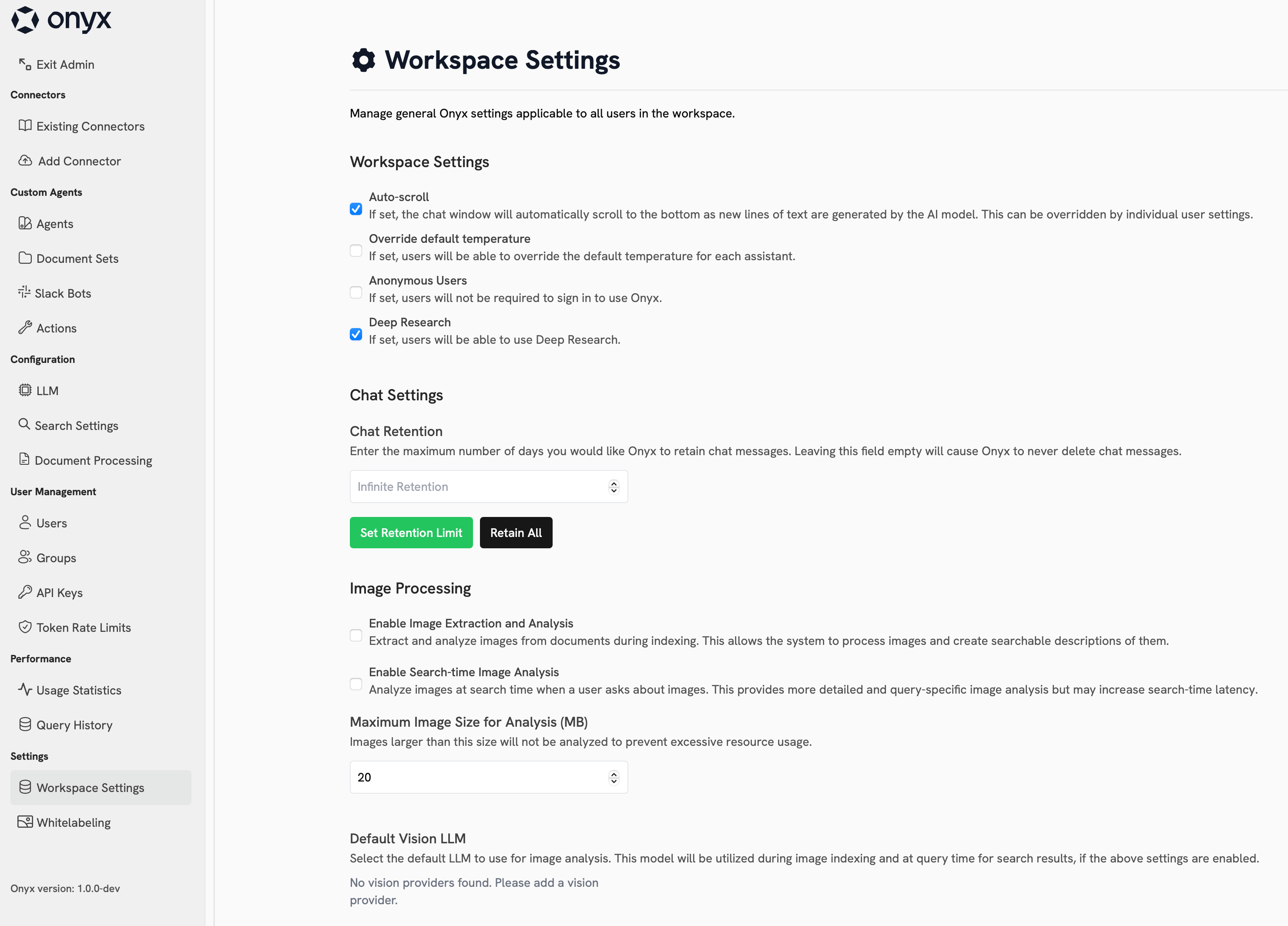
The Workspace Settings page allows you to configure global settings for your Onyx workspace.
 ### Chat Retention
Setting a Chat Retention policy will delete chat messages after the specified number of days.
Let your users know what the retention policy is to avoid any surprises!
### Image Processing
Image processing and analysis must be explicitly enabled on this page.
Once enabled, you can set a **Default Vision LLM** for Onyx.
### Chat Retention
Setting a Chat Retention policy will delete chat messages after the specified number of days.
Let your users know what the retention policy is to avoid any surprises!
### Image Processing
Image processing and analysis must be explicitly enabled on this page.
Once enabled, you can set a **Default Vision LLM** for Onyx.