

Supported Models
Configuration
1
Navigate to Image Generation
Go to the Admin Panel and select Image Generation under the Configuration section.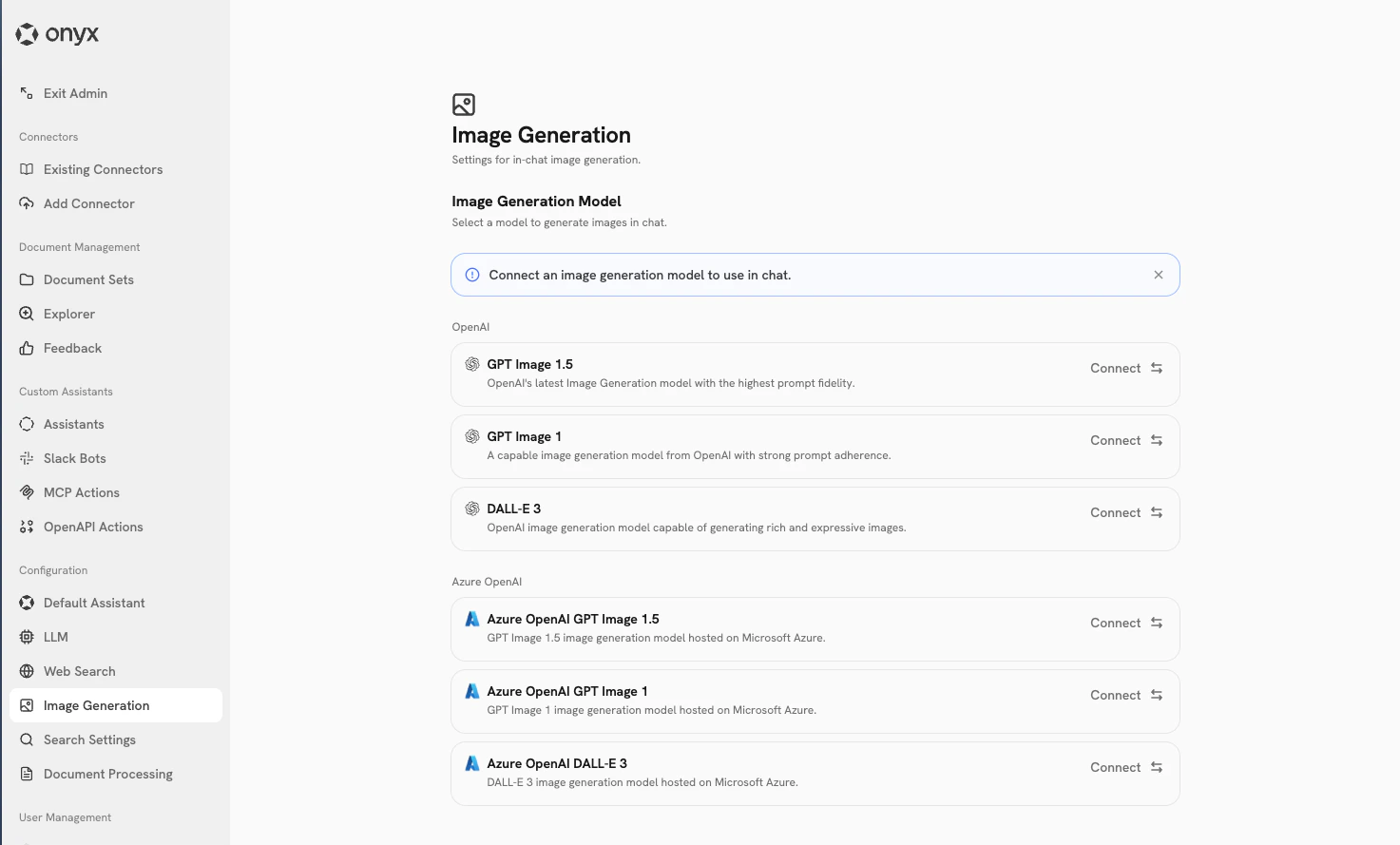
2
Connect a Model
The page displays available models grouped by provider (OpenAI, Azure OpenAI and Vertex).Click Connect on any model to configure it. A modal will open where you can set up credentials:The last configured model will automatically become the Current Default.
- OpenAI
- Azure OpenAI
- Vertex (Google)
- Use existing API key: Select from previously configured OpenAI API keys
- Enter new API key: Add a new OpenAI API key
3
Manage Default Model
The model marked as Current Default is used when users request image generation in chat.
- To remove a model as default: Click the “Current Default” badge on that model
- To edit credentials: Click the settings icon (gear) to open a modal where you can update the API key