

How it works
The Gong connector pulls in the transcripts of calls recorded via Gong. The Gong connector indexes the call title, call description, and contents of the actual transcript. New transcripts are pulled every 10 minutes.Setting up
Authorization
1
Obtain API credentials
Get an Access Key and Access Key Secret to pull in Gong transcripts
2
Open Company Settings
As an admin, go to 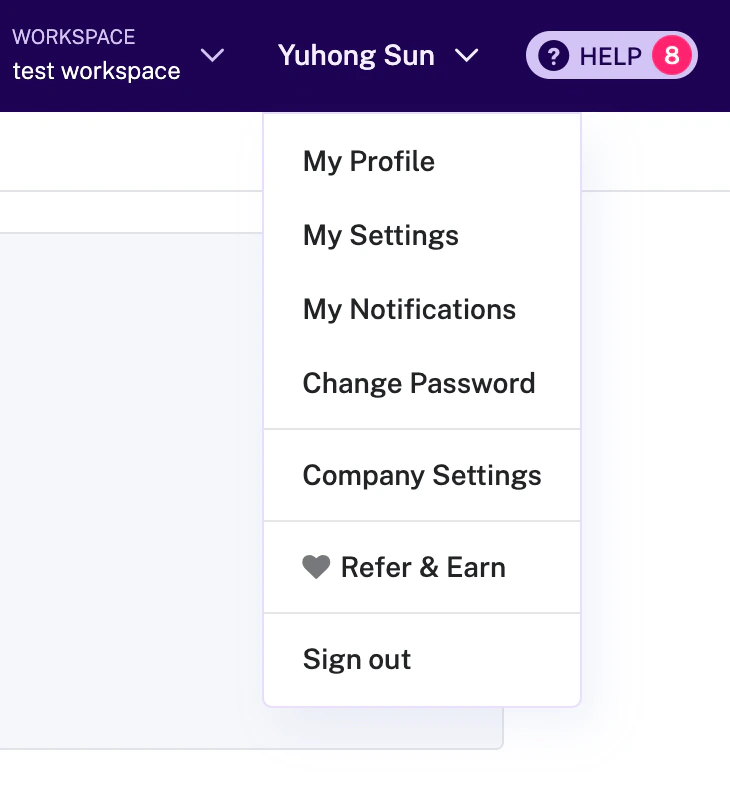
Company Settings on the right of the top options bar3
Open Ecosystem → API
Next, find the Ecosystem block and select 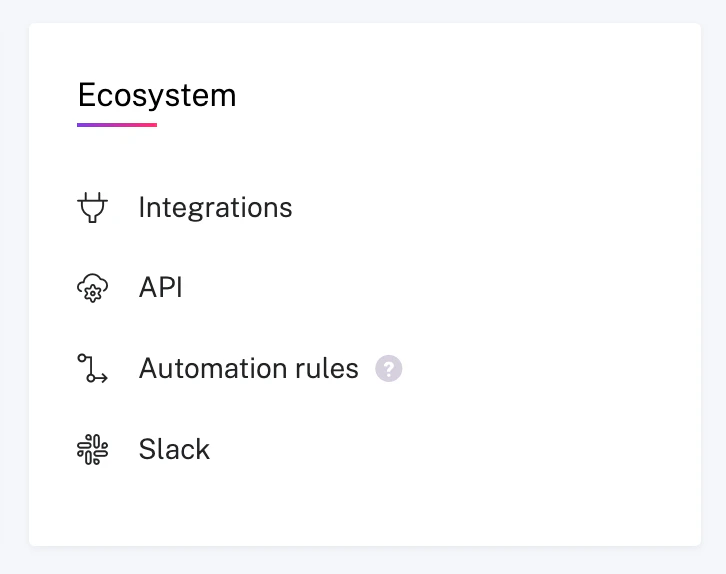
API4
Generate API keys
Once there, select
API KEYS (it’s right next to INTEGRATIONS).
Click GET API KEY and note down the ACCESS KEY and ACCESS KEY SECRETIndexing
1
Open Gong connector
In the Onyx UI, navigate to the Admin Panel and select the Gong Connector
2
Provide credentials
Provide the Access Key and Access Key Secret from the previous step
3
Choose workspaces
Add a list of workspaces to index or leave empty to index all workspaces
4
Start indexing
Click
Connect to begin indexing Gong call transcripts